Handwritten bills
Slow at the counter, and a wrong total only shows up when the cash does not match.
Take the order, print the bill, know your profit — the same evening. RRMS runs the counter, kitchen, rooms and accounts from one PC in your own shop. Orders, payments, bookings, staff hours and supplier balances are recorded as they happen.
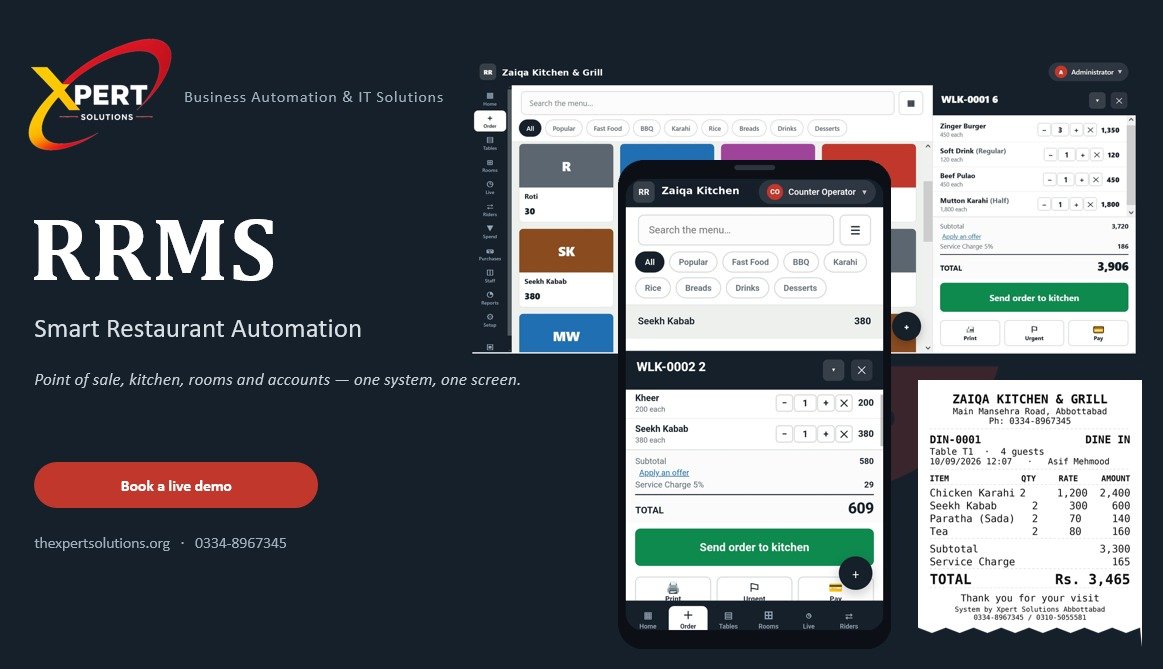
The system is designed around the problems restaurant and guest-house owners deal with every day.
Slow at the counter, and a wrong total only shows up when the cash does not match.
What sold today? What did the kitchen use? Without records, it stays a guess until month end.
With no record of every order and payment, a shortfall has nowhere to be traced.
A paper diary cannot warn you that a room is already taken.
Use the modules you need. A restaurant with no rooms can simply hide the Rooms tab.
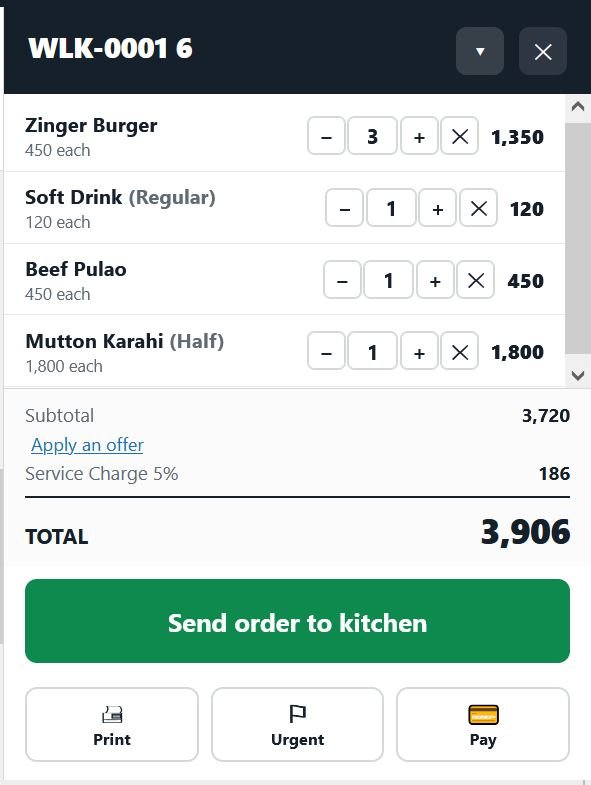
Tables for dine-in, counter orders, rider delivery and room service billed to the room. Split a bill across cash and card. Discount limits can require the owner's PIN. Percentage, buy-one-get-one, combo and free-item offers apply as items are added.
Kitchen slips print in Urdu. Items added later print as a separate slip marked ADDITIONAL. Orders move from In Kitchen to Ready to Served, with each status change time-stamped.
Book from a room-and-date calendar. Clashes are refused and a cleaning gap is kept between stays. Returning guests can be found by CNIC. A stay folio combines room charge, room-service food, extras and advances. Checkout is blocked while anything remains unpaid.
System-stamped check-in and check-out with present, half day, leave or absent status. Supports daily wagers and monthly salaries, plus advances recovered in instalments. The owner controls job titles and which roles can take table orders.
Record bills with or without a named supplier. Part payments settle the oldest bill first. Supplier balances remain current with ageing.
Track purchases, usage and remaining stock with warnings before you run out. Consumption records can be voided, but they are never silently deleted.
Twelve reports over any date range, printable or savable as PDF: sales by day, hour, type, item and waiter; money in against money out; discounts and approvals; offers used; cancellations with reasons; supplier balances; attendance and hours worked.
A waiter takes orders, the kitchen sees the kitchen, and only the owner sees profit. Large discounts, cancelling cooking items and cash shortfalls require the owner's PIN and are logged. Cancelled or voided orders remain on the record with a reason.
RRMS runs on one Windows PC at your counter. Phones and tablets are extra screens that connect to that PC through your shop's own Wi-Fi. They are not independent devices, so the counter PC stays switched on while the business is operating.
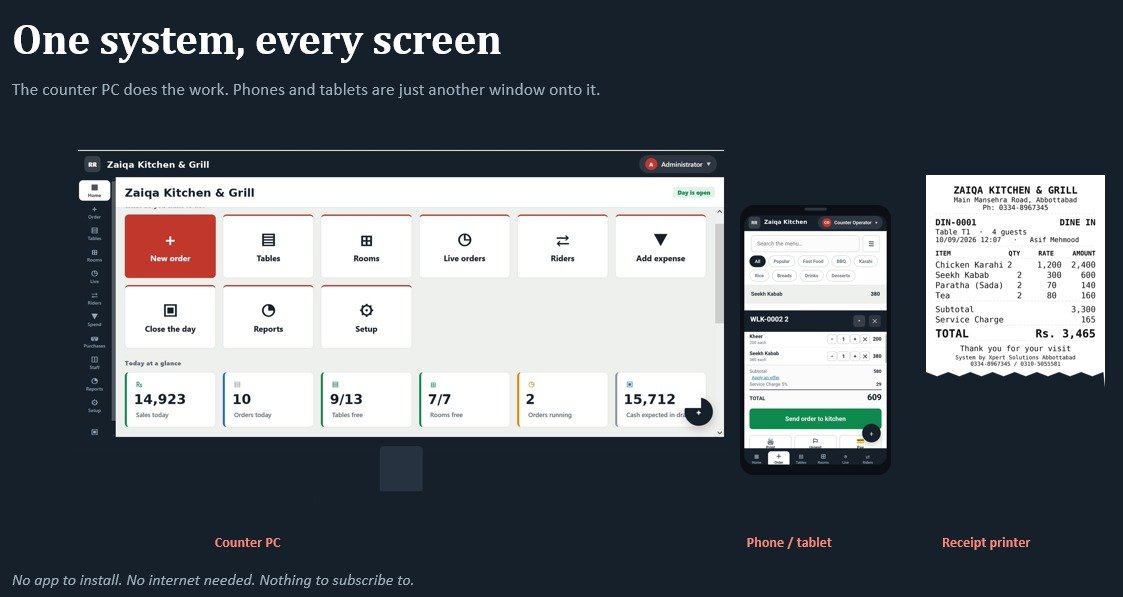
Start with the counter PC. Add phone screens and a thermal printer according to your workflow.
Windows 10 or 11 with 8 GB memory, switched on during business hours.
Connect over the shop's Wi-Fi to the counter PC. Nothing needs to be installed on the phone.
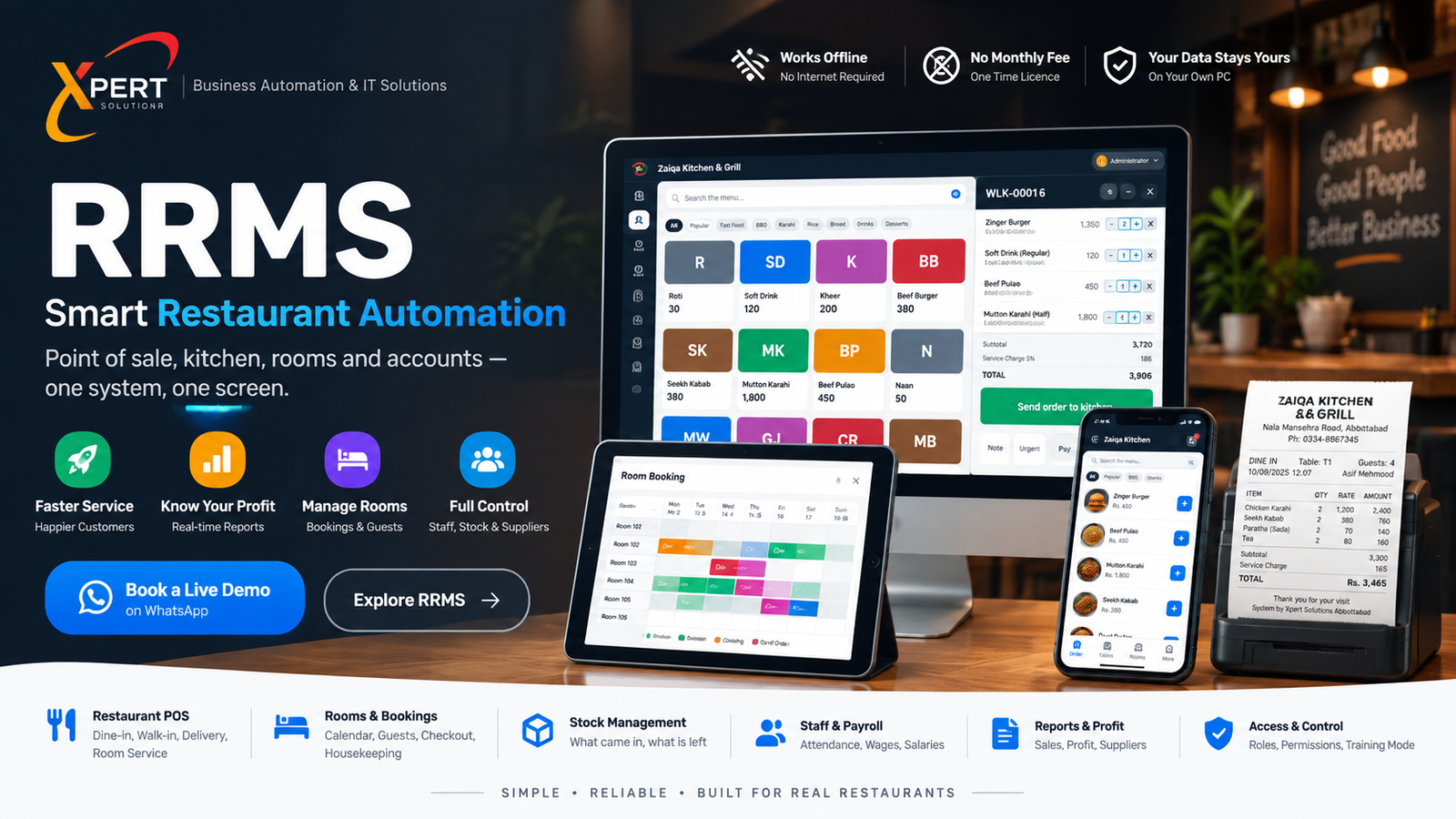
A 58 mm or 80 mm thermal printer is optional. You can start without one.
Xpert Solutions is based in Abbottabad, with installation and training available in person.
RRMS has been built, tested and is running in a working restaurant.
We install the system, load your menu and teach your staff how to use it.
We stay available by phone while your team gets used to the system.
We install it, load your own menu, train your staff, and stay on the phone while everyone gets used to it. The demo is free. Licensing and implementation are quoted according to each customer's requirements.